Your whole car in Chile, in one place
Where to fill up for less near you, when your paperwork expires and how much you spend. Living in Chile or driving a rental car on your trip. Free, no ads and no account needed.
Try it free on AndroidThe cheapest gas near you
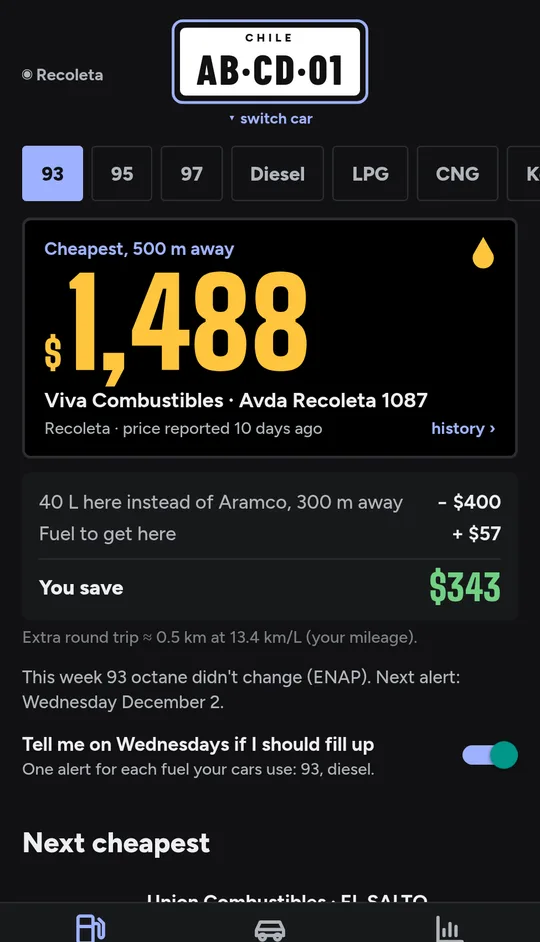
The cheapest station for your fuel, in big numbers. And what you really save: we subtract the fuel it takes to get there, using your own mileage.
- 93, 95, 97 octane, diesel, kerosene, LPG, CNG and EV chargers.
- Offline, you see the last saved copy.
- A home screen widget with the cheapest station nearby, without opening the app.
Fill up today, or wait until tomorrow
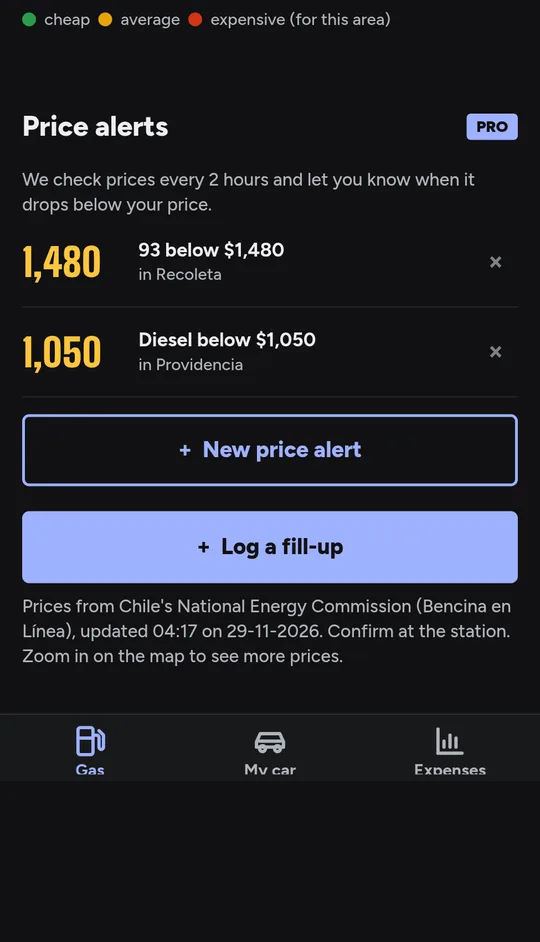
All nearby stations on a map: green for cheap, red for expensive. Tap a station to see all its fuels.
The Wednesday alert: when ENAP (Chile's state oil company) reports how much fuel will change from Thursday, Rodador tells you “fill up today” or “wait until tomorrow”, with the figure for your fuel. With Rodador Pro, price alerts tell you when your fuel drops below the price you choose.
Your paperwork, on time
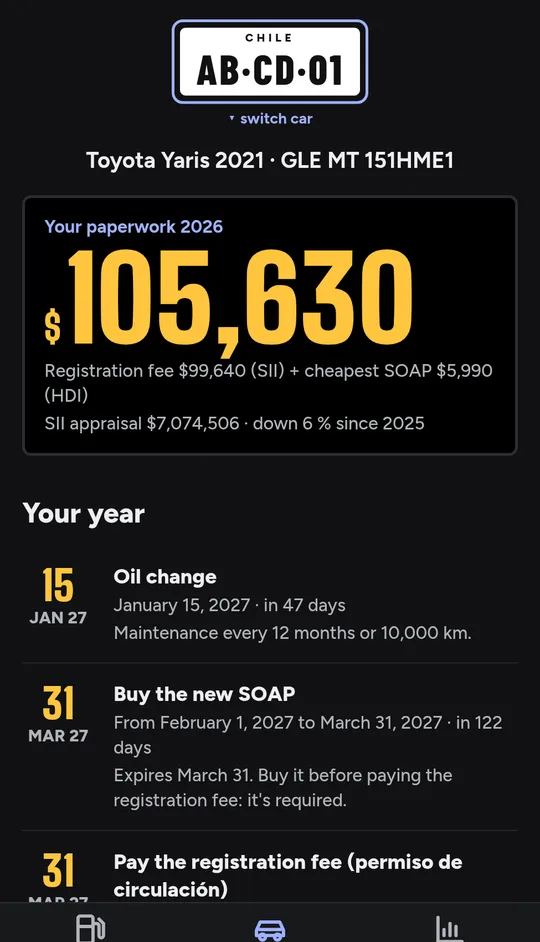
Your vehicle inspection (revisión técnica) based on the last digit of your plate, the SOAP mandatory insurance and the registration fee (permiso de circulación) with this year's dates, and your driver's license.
- What you pay for the registration fee, from the SII tax appraisal.
- SOAP insurers from cheapest to most expensive.
- Reminders 30 and 7 days before each deadline.
What you spend on your car
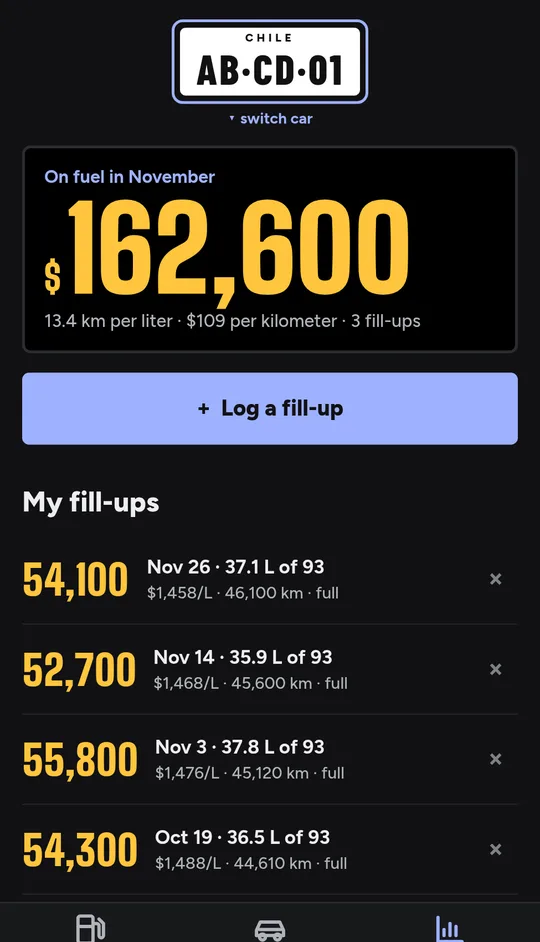
Log each fill-up in seconds and see your mileage in km per liter, what each kilometer costs and the monthly total. Export to Excel anytime.
Optional backup in a hidden folder in your own Google Drive: switch phones and get everything back.
Rodador Pro
For those who want it all: full car expenses, several cars and the family, price history, alerts when fuel drops and maintenance by mileage. The basics stay free forever.
Try it before anyone else
Before Rodador opens to everyone, Google asks for some people to test it for 14 days. You need an Android phone and the Gmail account you use on the Play Store.
- Join the test group with that Gmail account: groups.google.com/g/lince-app-testers → Join group.
- On your Android phone, open the Rodador test on Google Play → Become a tester.
- Install Rodador from Google Play and keep it installed for 14 days. Use it when you fill up.
- Tell us what you think, or anything that fails: [email protected]
The group is named after Lince, our other app; it's the right one. If step 2 says the app isn't available, wait a few minutes after joining the group and try again.